Research·5 min
Use Sidecar for Bigger Work
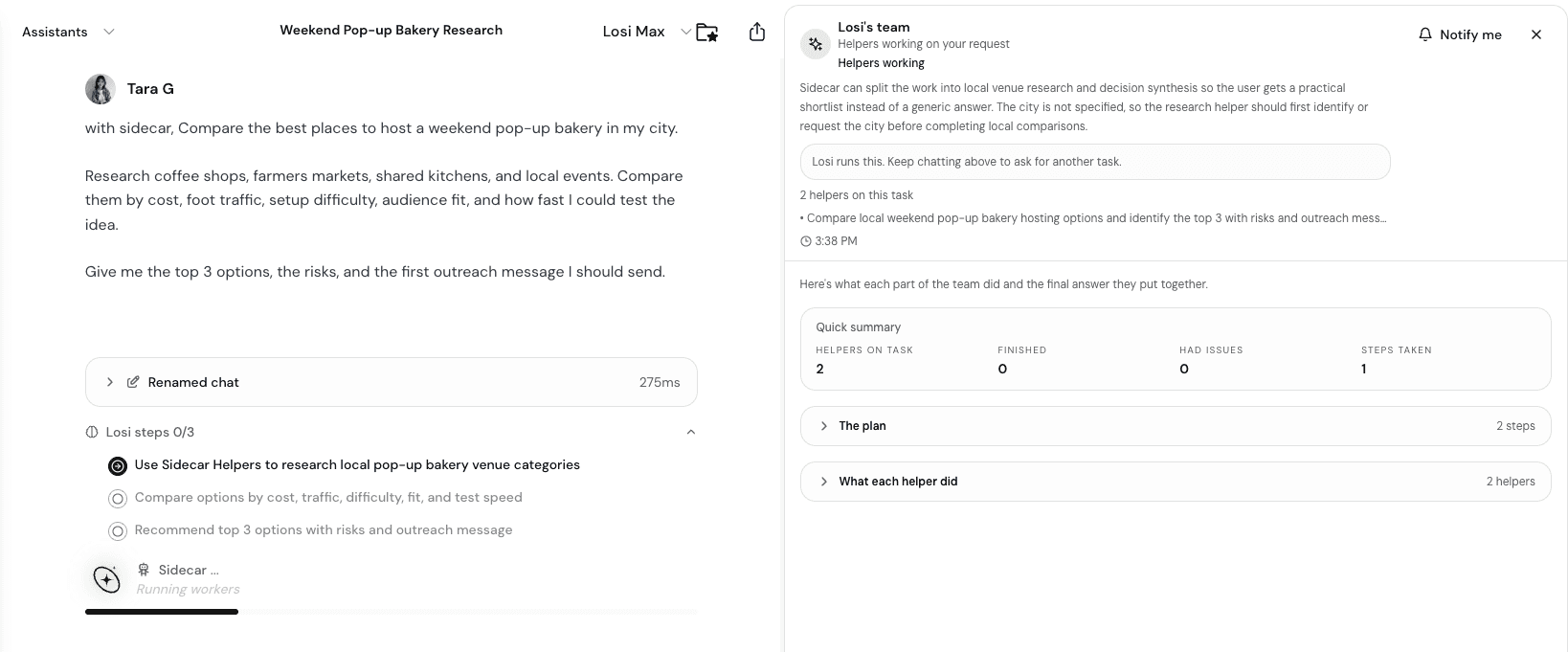
Use Sidecar and Helpers when a task needs deeper research, synthesis, or parallel exploration.
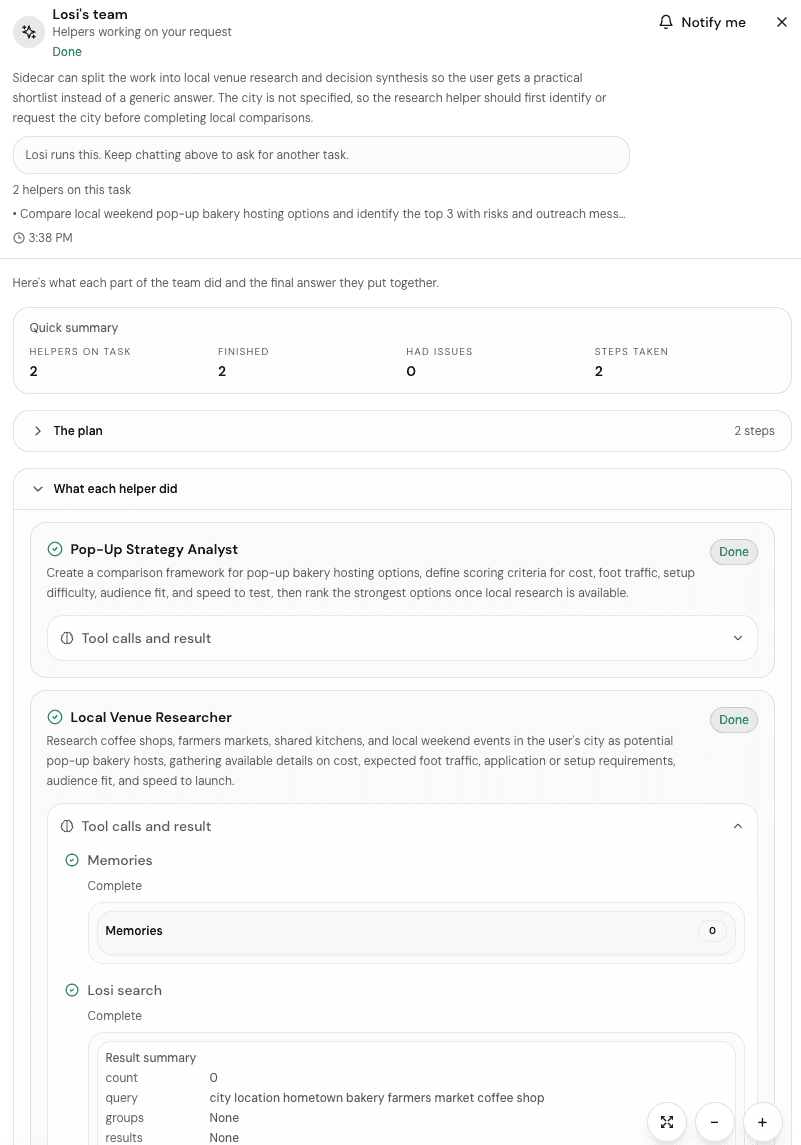
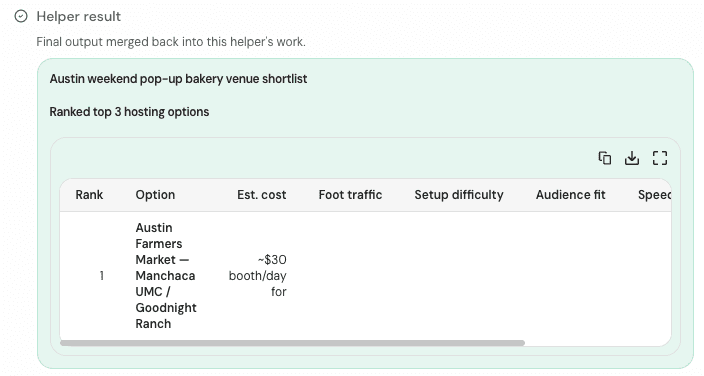
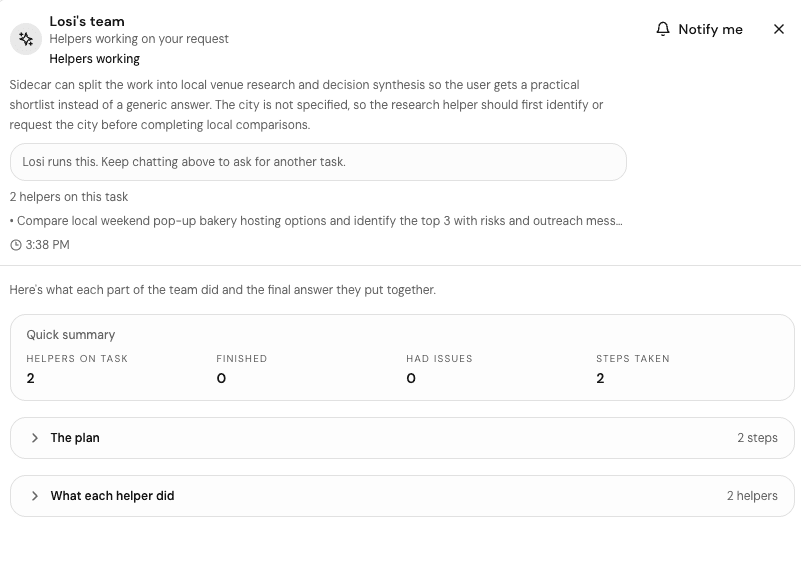
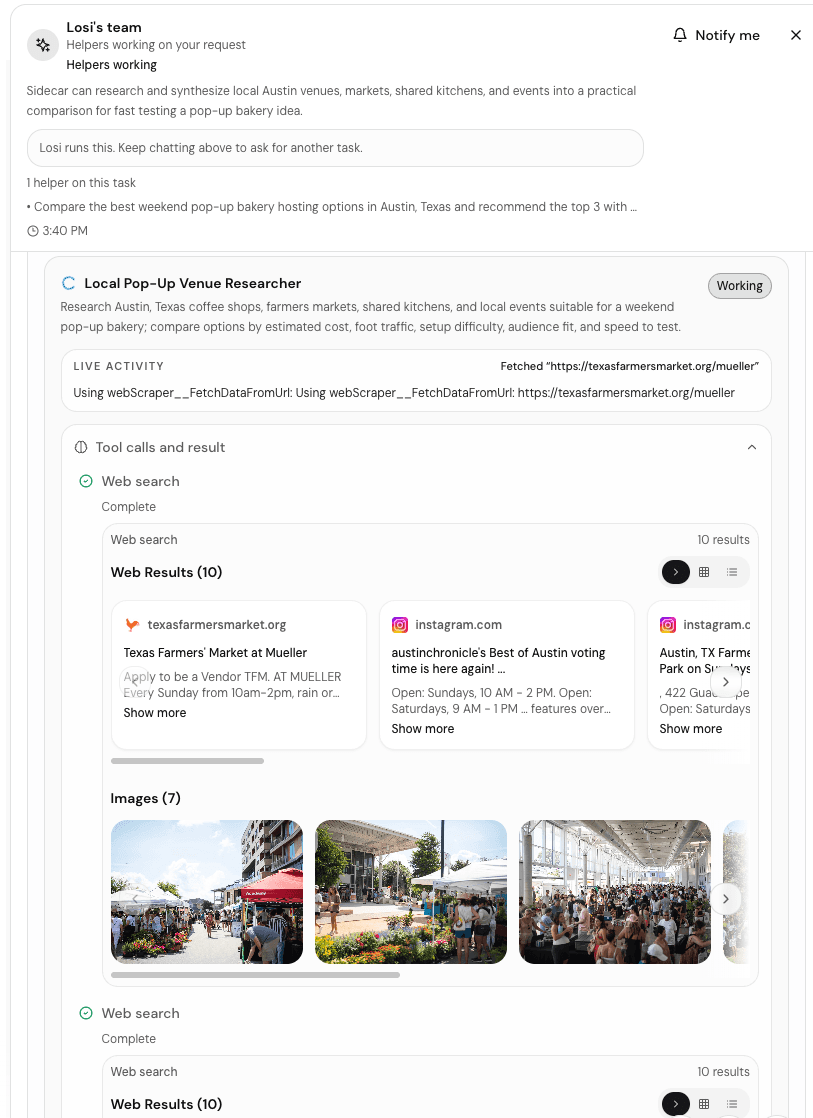
Sidecar gives larger Losi requests a separate place to track research, comparison, synthesis, and follow-up work while the chat stays readable.
Use it when the answer should not be a quick guess: market research, competitor analysis, idea synthesis, launch planning, customer research, pitch prep, content strategy, studying a complex topic, or comparing options before a decision.
When to use it
- The task has multiple independent research paths.
- You want a synthesized report, not a single short answer.
- You need tradeoffs, options, assumptions, and next steps.
- You want follow-up tasks or notes after the research is done.
Write a Sidecar-friendly prompt
State the decision or deliverable
Say whether you want a report, plan, comparison table, pitch outline, study guide, or task list.
Give boundaries
Add market, audience, deadline, budget, sources, and what should be excluded.
Ask for synthesis
Request findings, confidence, open questions, risks, and recommended next actions.
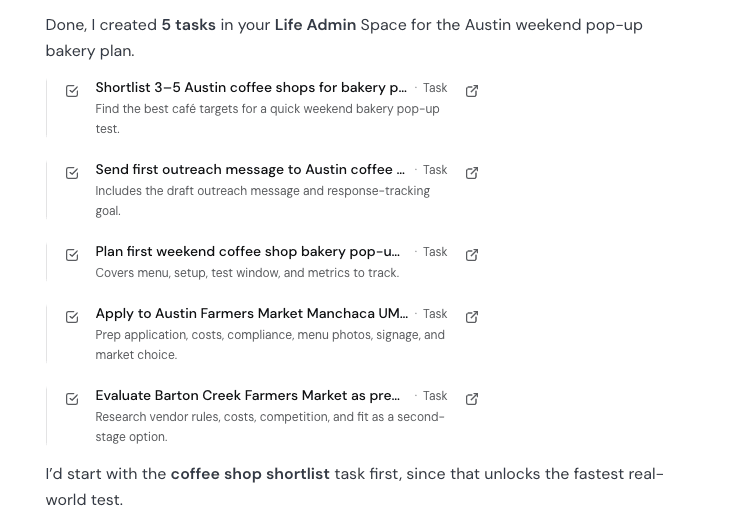
Turn the result into work
When the report is useful, ask Losi to convert follow-ups into tasks, save key findings as a note, or create a Space for the project.
For important work, review the sources, assumptions, and recommendations before acting.