Organization·6 min
Turn Ideas Into Shared Spaces
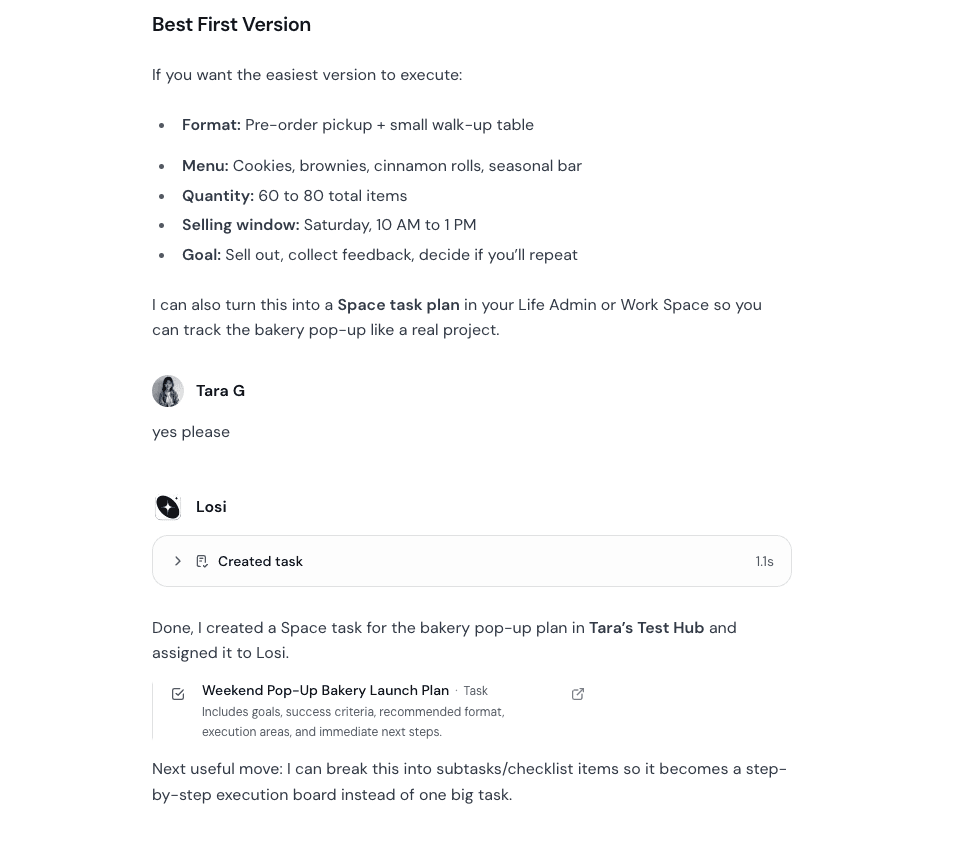
Use Losi to turn messy ideas into Spaces with notes, tasks, subtasks, and collaborators.
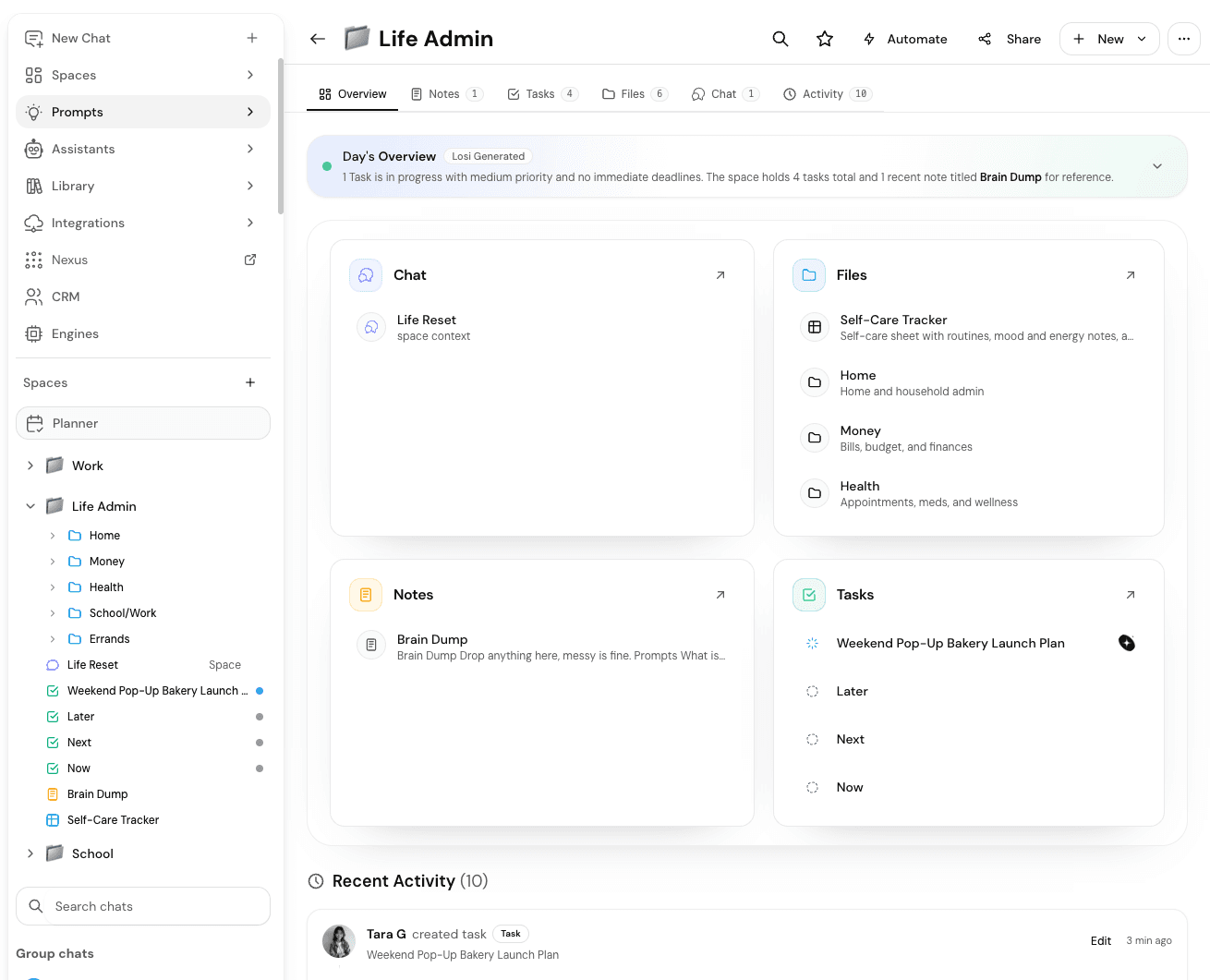
A Space is where an idea stops being a loose chat and starts becoming an organized project. Use Spaces for work initiatives, school projects, content campaigns, family plans, trips, personal admin, and business ideas.
You do not need a perfect brief. Start with the messy version, then ask Losi to shape it into notes, tasks, subtasks, and a plan.
Paste the messy version
Describe what you are trying to do in plain language. Include the goal, constraints, people involved, rough deadline, and anything already decided.
If the idea started in another assistant or document, import or paste that context first so Losi can preserve the useful details.
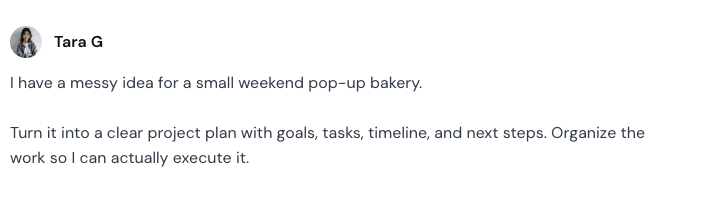
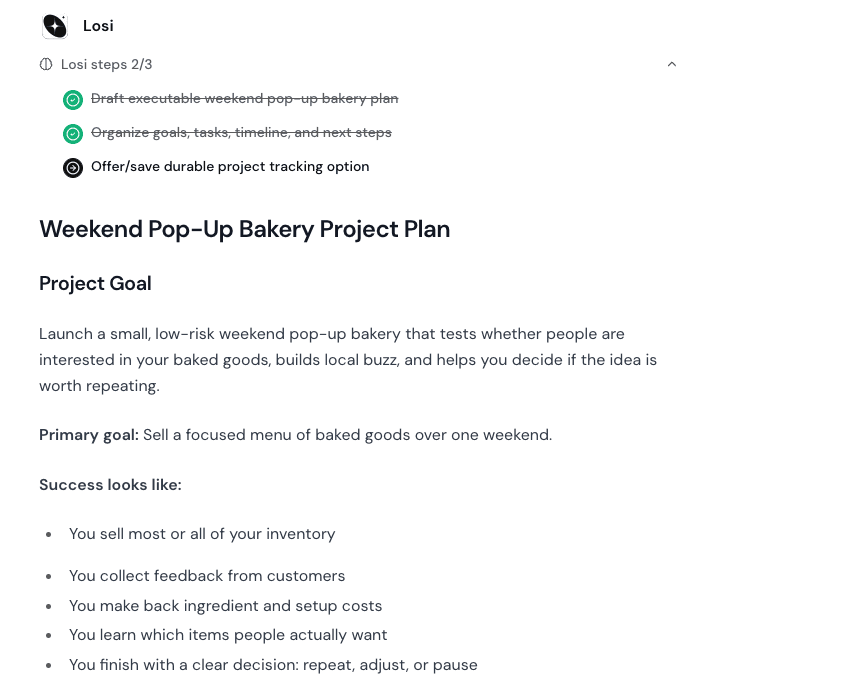
Useful starting prompts
- Turn this business idea into a Space with notes, tasks, and first-week priorities.
- Make this school project into milestones, roles, and subtasks for classmates.
- Turn this family plan into a checklist, schedule, and shared notes.
- Organize this content campaign into briefs, deadlines, assets, and review steps.
- Plan this trip with research tasks, booking tasks, and a shared packing note.
Share when the structure is useful
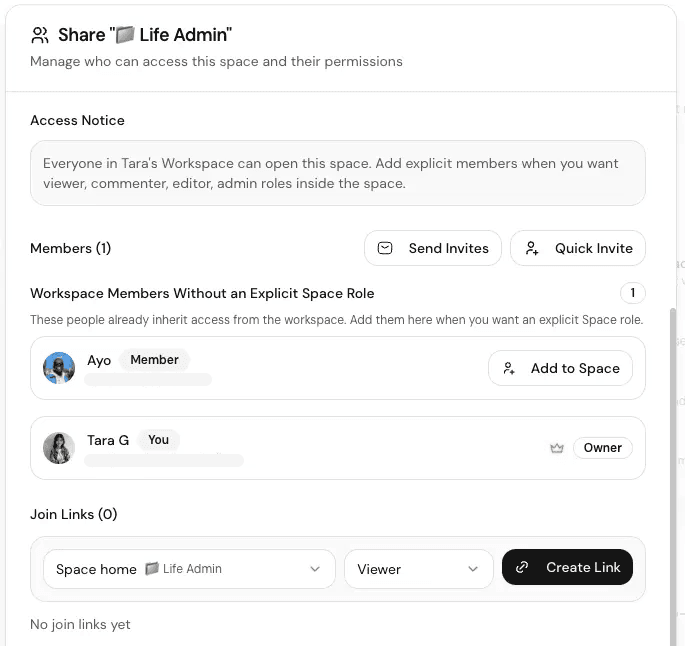
Once the Space has a clean outline, invite the people who need to help. Use tasks for work that needs ownership, notes for reference material, and subtasks for work that needs multiple steps.
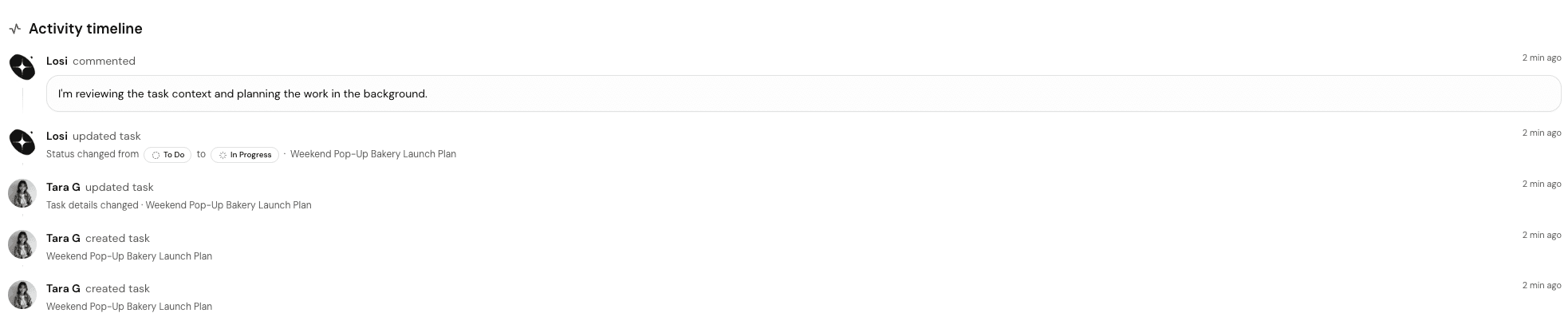
Ask Losi to keep the Space updated as decisions change, but review important assignments before relying on them.
When you are ready for invites, roles, join links, and item-level sharing, follow the Collaborate in Shared Spaces guide.